Zerda Live
 Share
Share  Embed
Embed 


-
![]() 202
202 -
![]() 6
6 -
![]() 0
0
 202
202  6
6 
Do you want a video player for your Android device? Zerda Live APK is an excellent choice. This app can handle all your media needs. In this post, we’ll look at what Zerda Live can do and how to get it.
What is Zerda Live APK?
Zerda Live APK is an Android app that plays audio, live streams, on-demand videos, and internet TV. With it, you can watch your favorite shows, movies, and live events all in one place.
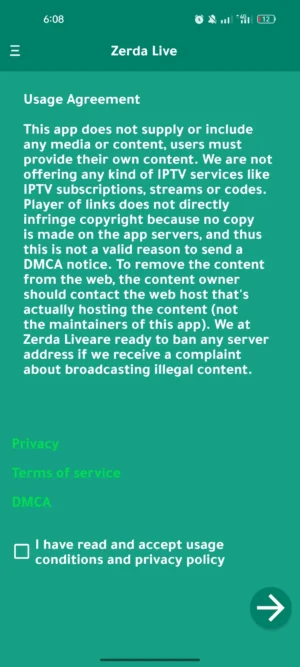
Key Features of Zerda Live APK:
- Watch multiple streams at the same time.
- Stream to other devices using DLNA or Chromecast.
- Don’t miss live events happening around the world.
- Search to find what you want to watch quickly.
- Videos play correctly in full-screen mode.
- Works on all Android devices.
How Zerda Live Makes Watching Videos Better
Zerda Live is more than a video player. It’s a powerful app made for all your entertainment needs. Here’s how it makes watching videos better:
- It can play live TV, movies, and your videos.
- Videos look smooth with high-quality video and audio.
- It’s easy to find and choose channels with the new design.
- You can watch live events happening around the world.
- You can stream to your TV or other devices with Chromecast and DLNA.
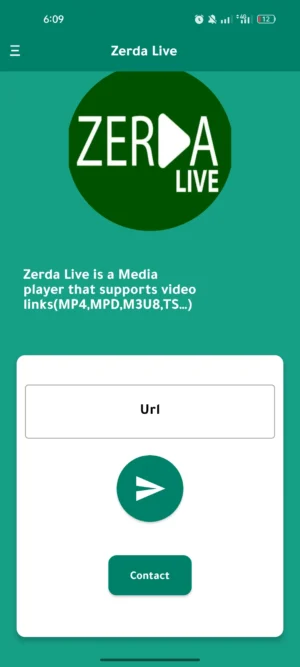
Getting Started with Zerda Live
It’s simple to get Zerda Live on your Android device. You can download the app right here. Follow these steps:
- Download the latest version of Zerda Live. Click on the download button at the top to get the apk file.
- Go to your device settings and allow installing apps from unknown sources. This is needed since Zerda Live is not from the Google Play Store.
- Installing the Zerda Live app on your device is easy. First, download the APK file from a trusted source. Once downloaded, open the file. Follow the on-screen steps to install Zerda Live. The process is simple.
- After installation, open Zerda Live. Grant all necessary permissions for smooth functioning. These include network access for streaming content. It also needs permission to prevent sleep mode while watching media.
- Now you’re ready! Explore the app’s library or add your own media files. Enjoy your favourite movies, shows, and more with Zerda Live.
About Permissions
Zerda Live requires certain permissions to work properly. It needs internet access to stream online content. The app also requests “WakeLocks” to keep the device awake during playback. Furthermore, Google Services integration enhances the overall experience.
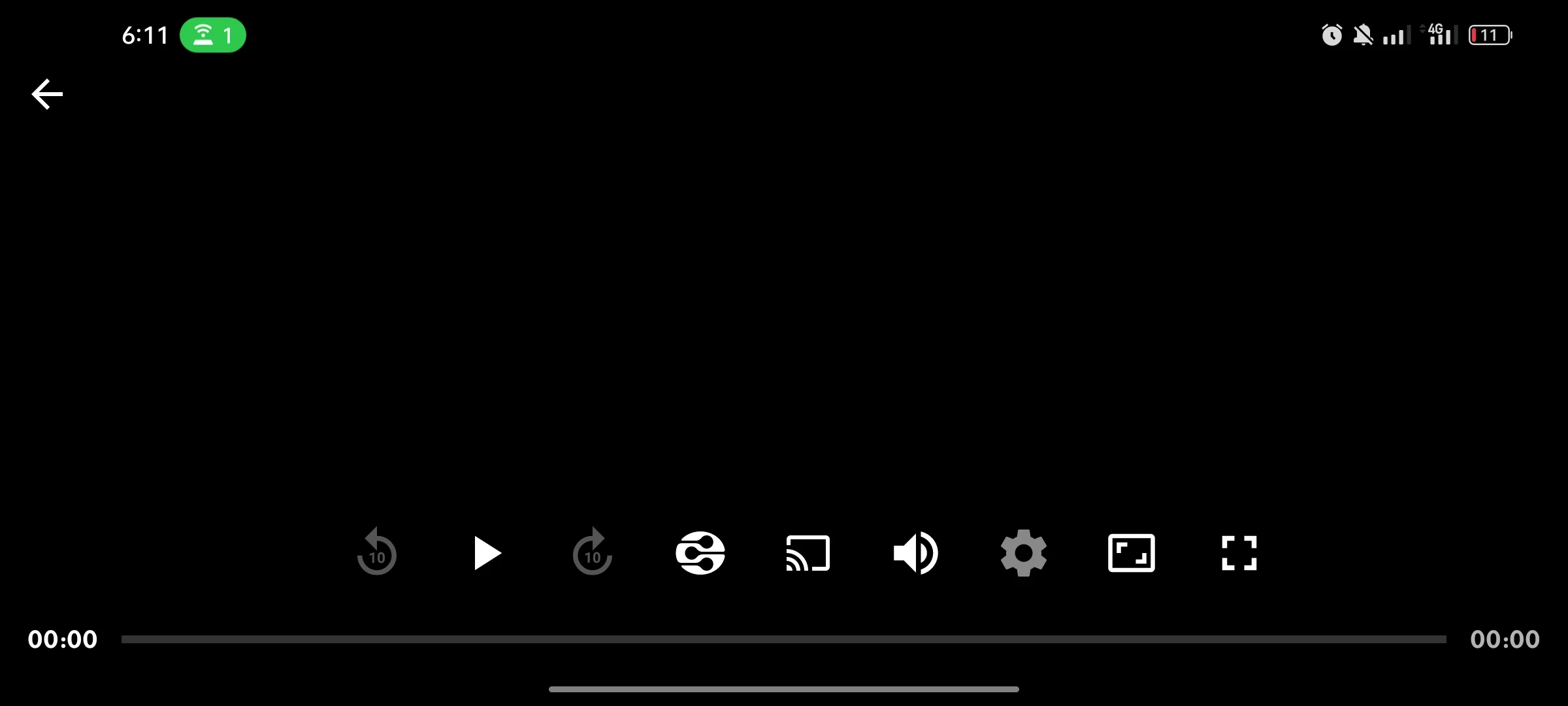
Why Choose Zerda Live?
Zerda Live stands out as an excellent media player app. It’s an all-in-one solution for all your entertainment needs. No need for multiple apps! The user-friendly design makes navigation easy. The developers regularly update Zerda Live with new features.
Conclusion
Zerda Live is a top choice for Android media enthusiasts. It offers a wide range of features and supports various formats. The clean interface and regular updates make it user-friendly. Download Zerda Live now for an exceptional viewing experience!

App Gallery



3.webp)




7.webp)








5.webp)




0.webp)




8.webp)